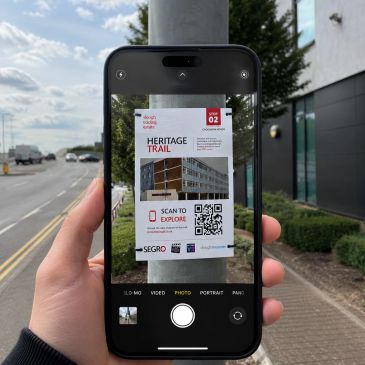
Welcome to our AR Heritage Trail. Please see instructions

Step 1 - Scan the QR Code on the poster

step 2 - Open & Allow Camera then launch

step 2 - Open & Allow Camera then launch

Open your phone's normal camera app and point it at the QR code on the poster. Tap the web link banner that pops up on your screen. 

step 2 - Open & Allow Camera then launch

step 2 - Open & Allow Camera then launch

step 2 - Open & Allow Camera then launch

 When the web page loads, tap the big "Launch" button. If your browser asks to use your camera, tap "Allow" (we need this to show you the 3D world!). 
step 3 - Point at a flat surface

step 2 - Open & Allow Camera then launch

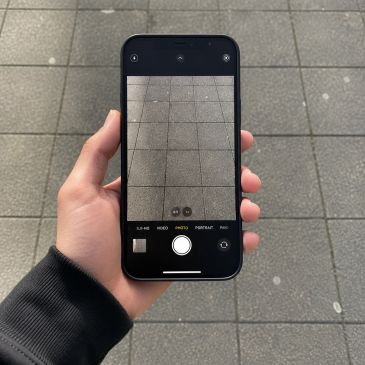
step 3 - Point at a flat surface

Hold your phone up and slowly tilt your camera down to point at a flat, clear patch of ground in front of you. 
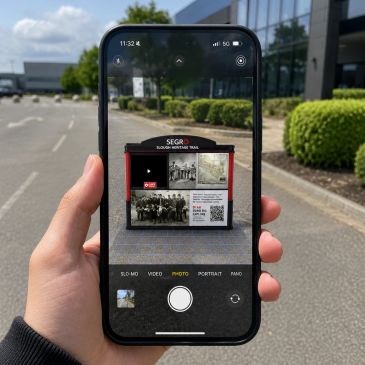
step 4 - Tap to place the Scene

step 2 - Open & Allow Camera then launch

step 3 - Point at a flat surface

 Once a small circle or ring appears on the ground on your screen, tap your screen once. The 3D scene will lock right onto that spot for you to look around and explore! 
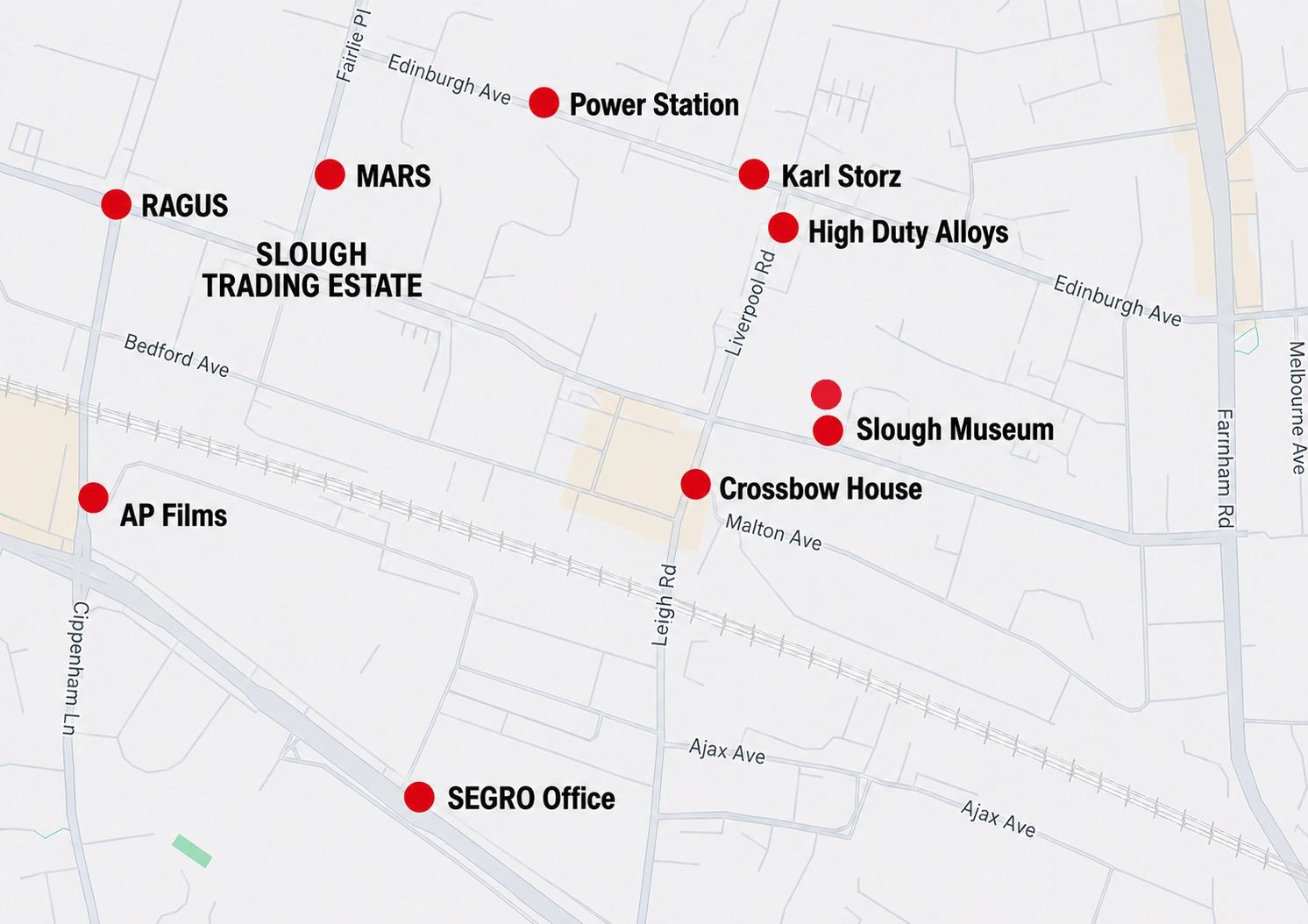
Map Of The Stops

You can download the map below!

Map of the stops (png)Download

Image Gallery

1/10

Our Partners

Any tech related problems Please call us using the button below or dial 01753 373789

Get in Touch

Copyright © 2026 Slough Estate Heritage Trail - All Rights Reserved.

This website uses cookies.

We use cookies to analyze website traffic and optimize your website experience. By accepting our use of cookies, your data will be aggregated with all other user data.

DeclineAccept